 Wary Icecube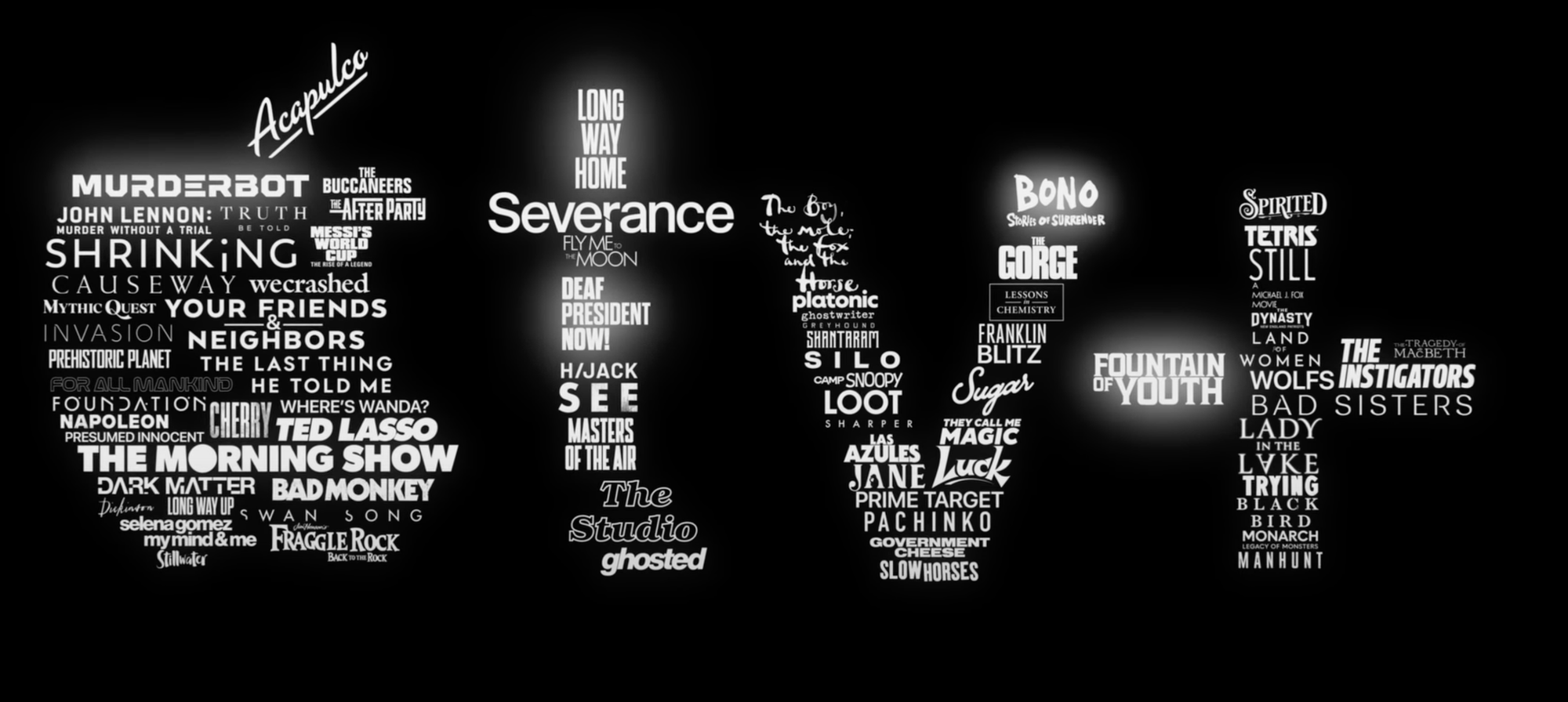
Jonathan (och Tereses) TV-tips maj 2025
Detta är mina och Tereses bästa tv-series tips för de serier som jag/vi har kollat på i 2025. Det betyder inte att de nödvändigtvis släpptes 2025, men att jag/vi sett de under 2025. "*" efter titeln betyder att Terese supportar rekommendationen och att den inte bara är från mig utan från oss! Kommentar ang Apple TV+ Medveten om att det är många serier nedan från Apple TV+, men långt ifrån bara! Vi kollar på serier från alla streamingtjänster. Men en anledning att det blir så mycket från Apple
Coaching check-in
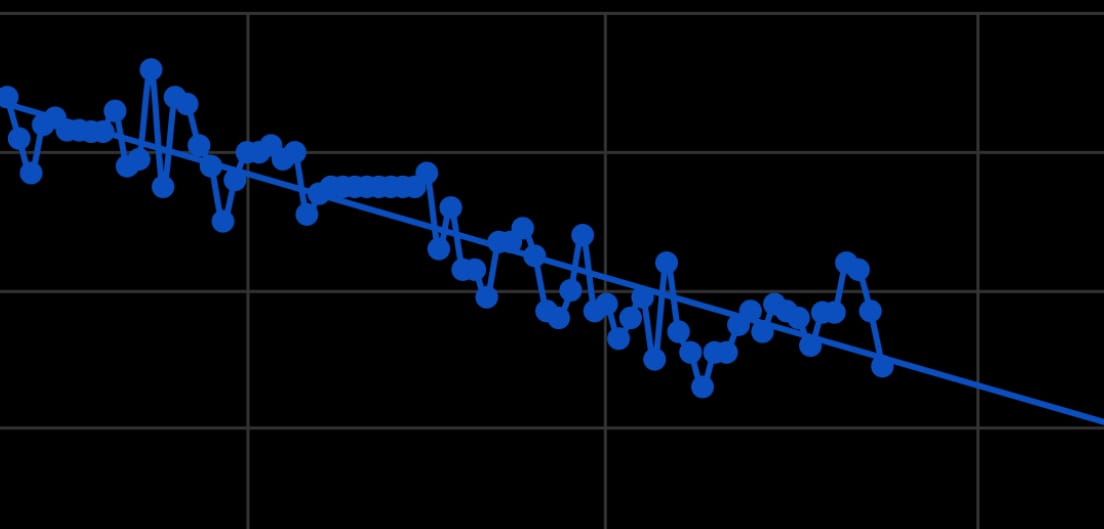
Two months ago on the day, I told you that I have a coach now, and today I wanted to give a first update on how that’s all going (do note we kicked off the coaching on August 12 so I am ending my 11th week this week). In short: it’s been really great! We email at least every week as a check-in and I can email any time I have additional questions or need anything, and schedule video calls as needed as well though I haven‘t needed to do that for a while now. Any need from feedback and I just sen
Daily iPhone tip #4: Charge AirPods and Apple Watch from your iPhone
This can be useful in a pinch! I never personally needed it, but it's good to be aware of. The USB C port of your iPhone can deliver charge to AirPods and Apple Watch, just plug in a USB C cable and it will start charging. You can use your iPhone 15 and later to charge your AirPods, Apple Watch, or another small device that supports USB Power Delivery at up to 4.5 watts. - If you have another device with a USB-C connector, connect it to your iPhone with a USB-C cable, such as the one included w
Daily iPhone tip #3: Turn on and off Portrait mode after the fact
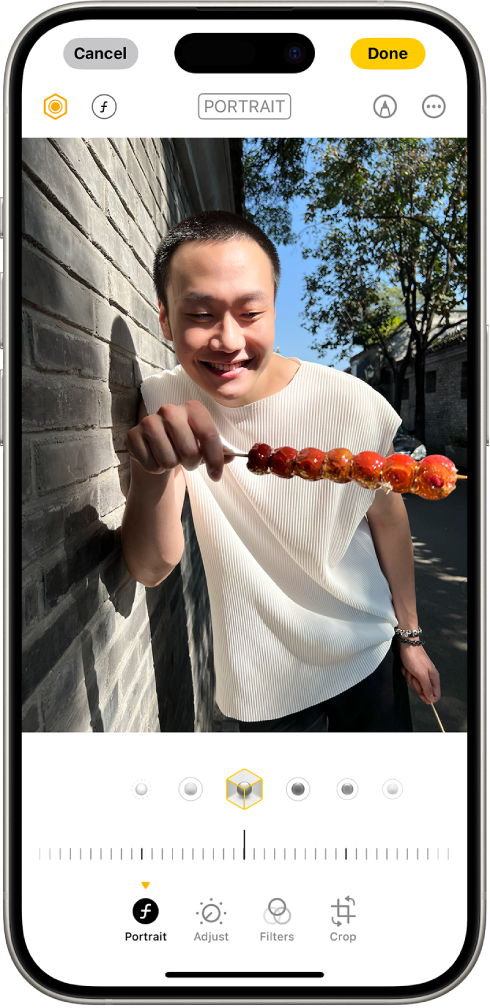
If you have an iPhone 15 or later, photos with a person, dog, or cat taken in Photo mode can become portraits in the Photos app after the fact. The phone is powerful enough to almost always gather depth information alongside the regular photo, so you can go in and turn the portrait effect on and off. * Go to the photos app * Open any photo taken with iPhone 15 or later, open it in full screen, then if the top right icon shows an "f", you can tap there to turn it on and off: For more, check o
First Apple Watch? Here’s what to do first
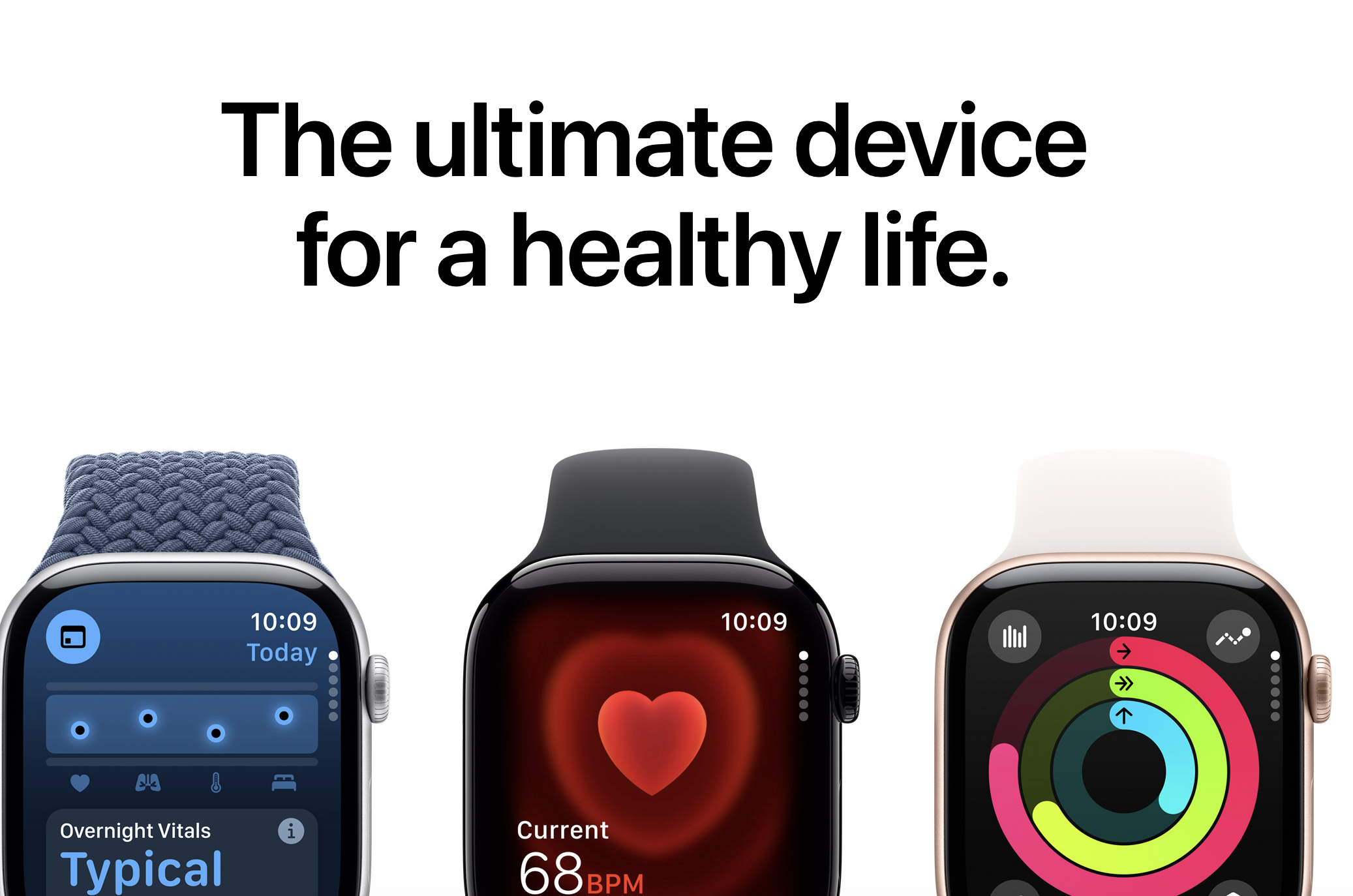
This guide covers: * Start here * Understand the Digital Crown * Understand the Side Button * Learn the Gestures * Make sure your iPhone can unlock your Apple Watch * Create your own watch face(s) * Track daily activity * Start using health features * Understand safety features * Go for your first workout * Set up Apple Pay * Ping your iPhone * Understand Control Center * Understand and use the Smart Stack * Unlock your Mac with Apple Watch * Use Double Tap * Understand sounds
Daily iPhone tip #2: Precision finding
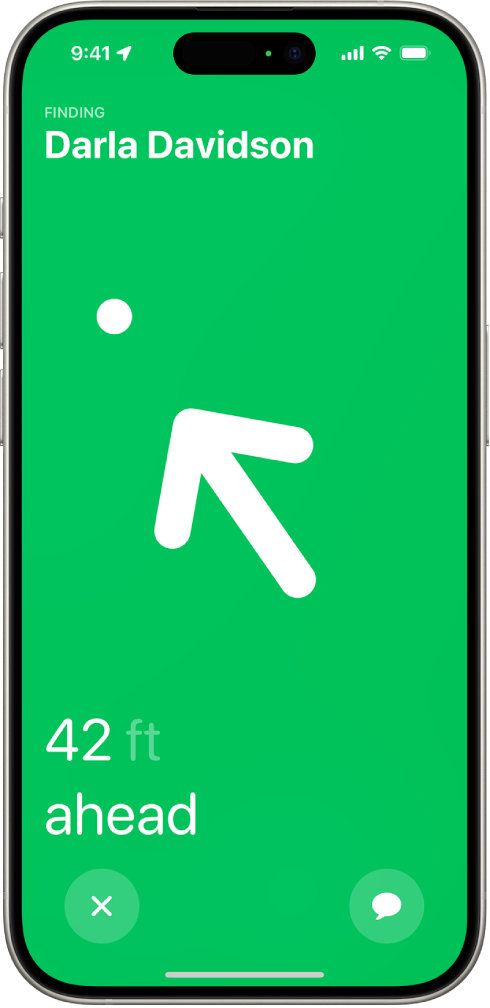
If you own a recent iPhone, you might have missed that you have the latest-generation ultra wideband chip in it. That chip means that you can you use Precision Finding in the Find My-app with other devices with the same chip. So you can for example find a specific person down to the centimeter in a huge crowd of people. And if you also own a newer Apple Watch or AirPods, you can use it to find your phone or AirPods with a lot greater precision. Below video and article explain better how this ac
Daily iPhone tip #1 - Charge fast
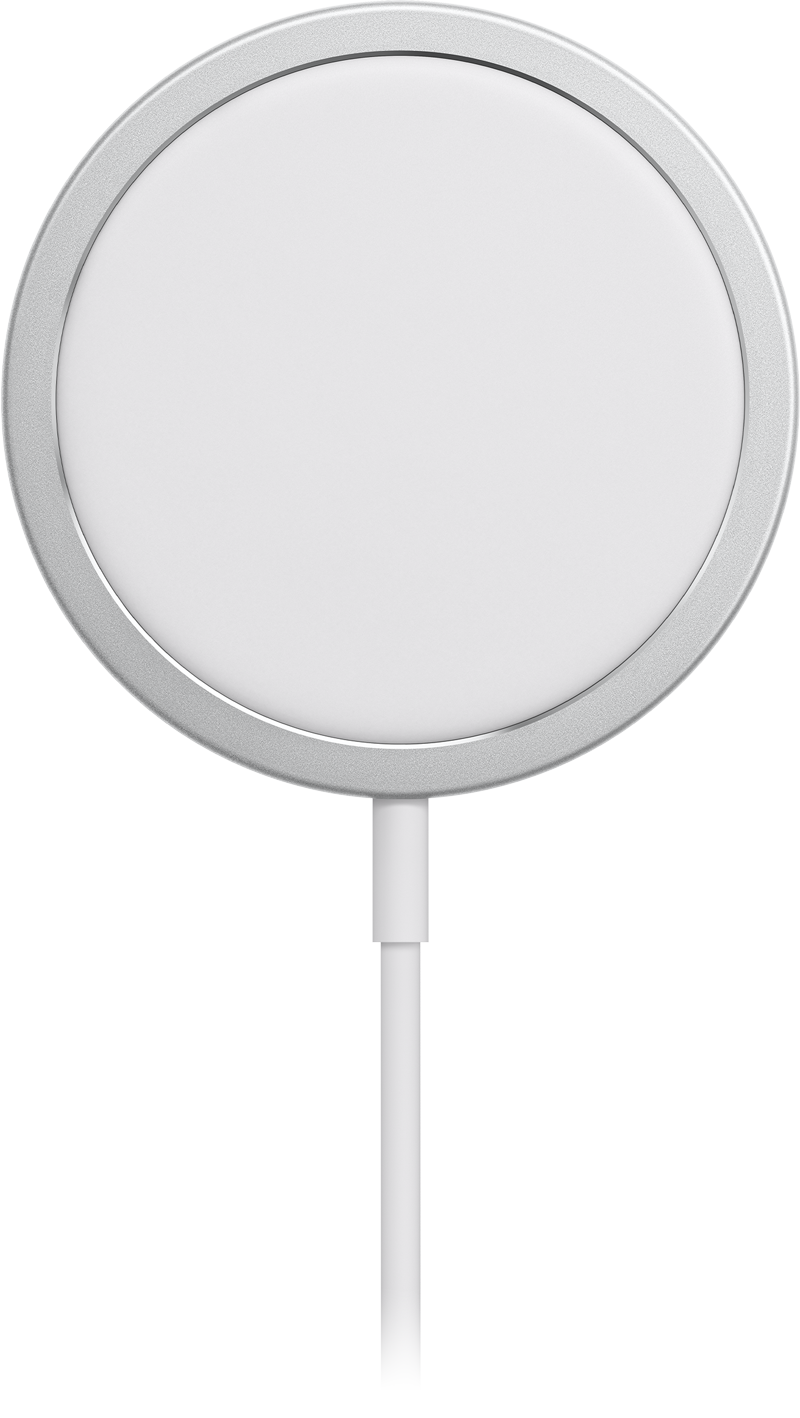
Modern iPhones these days can charge really fast, but only when paired with correct accessories. The iPhone 16 models in particular got extra fast in this regard. For maximum charging speed while charging with a cable, use a charger (the thing you plug into the wall) of at least 45w. Only use reputable brands like Belkin, Mophie, Anker or Apple’s own chargers - as long as least 45w. Combine this with a USB C to UCB C cable (an USB A to USB C won’t cut it). The one that comes in the box with the

A must-read iPhone 16 Pro review
Well-known photographer Austen Mann got to take the iPhone 16 Pro with him on a trip to Kenya. He did not get paid by Apple for the trip, he has other sponsors to enable him going on these trips. This is all explained in the beginning of the review. Obviously Apple loaned him an iPhone 16 Pro before it was released hoping he would get a few good shots, but that is a far cry from them actually financing the thing. Anyway. I don't want to post his photos or his various conclusions here, because y
Here are the first 6 things to do after upgrading to iOS 18
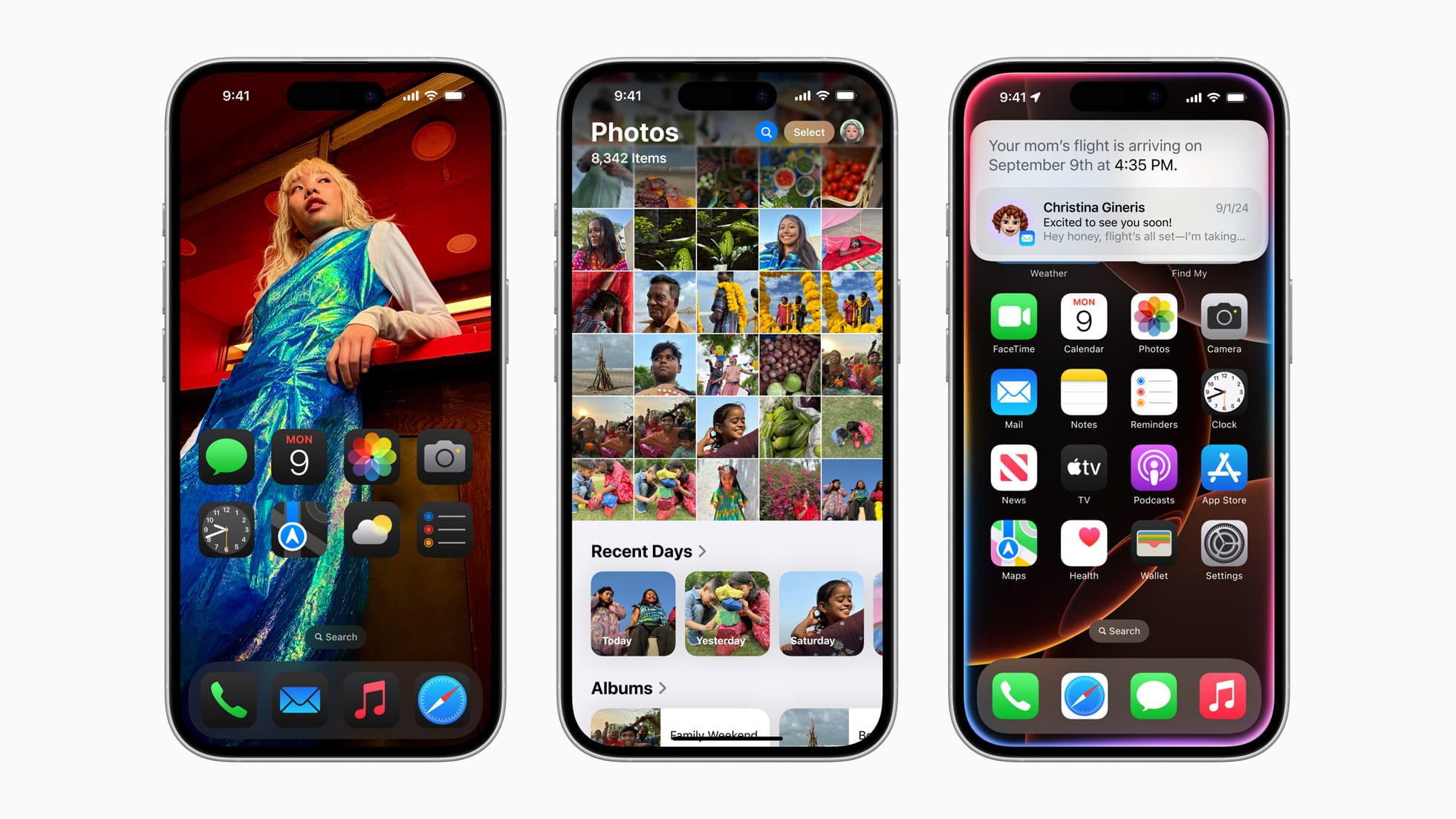
While I do think you should read up on all the news of iOS 18 and related updates, here are the must-try things right after updating your device: Short version Here's the overview of the first six things to do after updating: 1. Set up your Home Screen 2. Set up Lock Screen 3. Set up Control Center 4. Organize the new Photos app 5. Explore the new Passwords app 6. Schedule a message to be sent later Home Screen There are major new customization and personalization possible with the
Your iPhone, iPad, Apple Watch, AirPods, Mac, Apple TV are getting new features today - here are my favorites
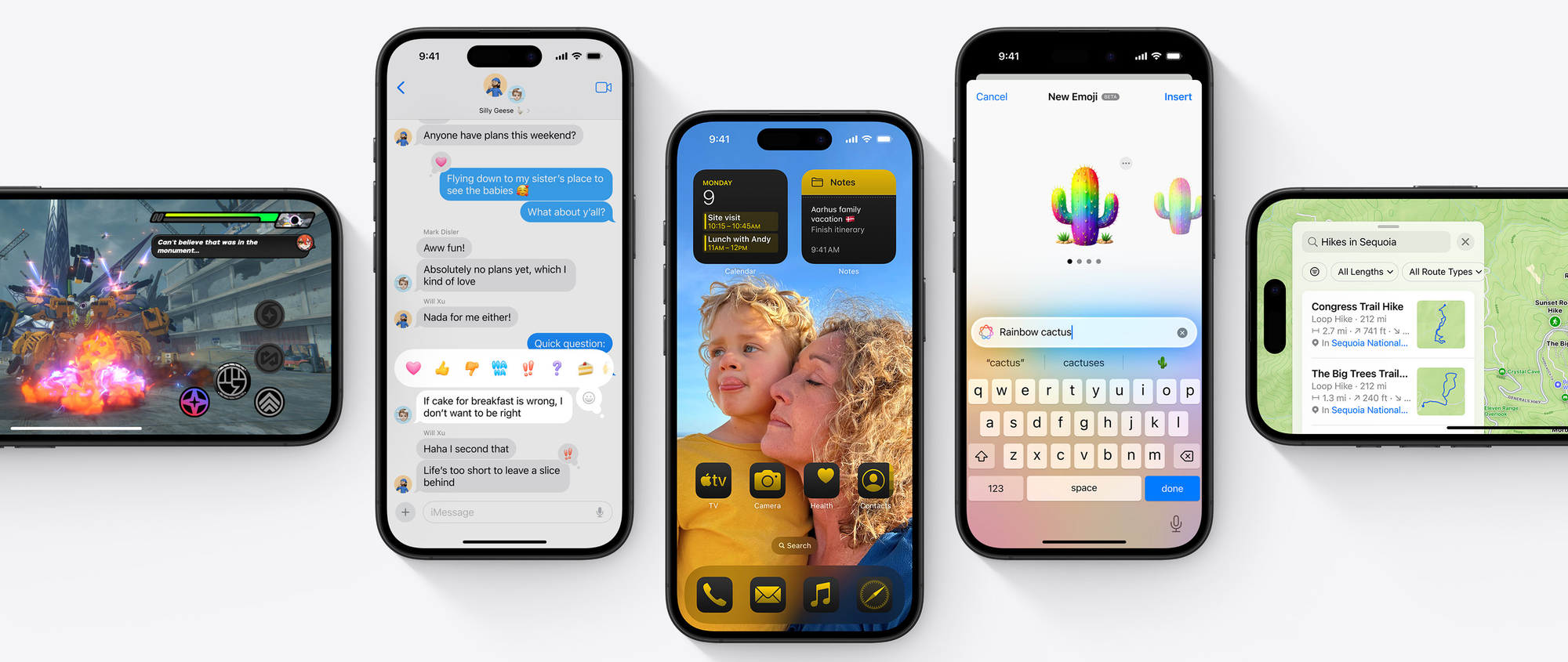
A few hours ago, Apple released their major software updates to the public. I have been running all these major updates as developer betas since back in June, so I want to share my favorite features for each of the new operating systems in order to recommend you all to what to try out, and also encourage you to update as soon as possible! Here's what Apple has released today: * iOS 18 for iPhone * "Customize your iPhone in more ways than ever, stay connected with friends and family, and re
PSA: Don't buy any new wireless chargers right now
The new iPhone 16 line-up supports a new version of MagSafe which increases the speed of wireless charging with 67% on these new models vs the old - 25W versus 15W. That is a big jump and puts wireless charging squarely into fast charge territory - enabling 50% charge in 30 minutes. In order to achieve these new speeds, new chargers will be needed. So if you are looking to buy a new 3rd party MagSafe charger (there are many of them), I would strongly recommend holding off. In a matter and weeks
Glowtime pre-orders and a new Apple Store
A couple of hours ago the global pre-orders for the iPhone 16 lineup of phones opened, and I figured I’d report on my purchases, in the order that I made the purchases. Apple Watch I have owned every generation of Apple Watch since Series 8, as I switched to the Apple Watch Ultra lineup then - I currently own the Ultra 2. I was ready to buy the Ultra 3 this year, but alas no such product exists yet. T uses a Series 7 and we have been considering an upgrade ever since the temperature sensor o
