 Wary Icecube
Tech Tips
Daily iPhone tip #4: Charge AirPods and Apple Watch from your iPhone
This can be useful in a pinch! I never personally needed it, but it's good to be aware of. The USB C port of your iPhone can deliver charge to AirPods and Apple Watch, just plug in a USB C cable and it will start charging. You can use your iPhone 15 and later to charge your AirPods, Apple Watch, or another small device that supports USB Power Delivery at up to 4.5 watts. - If you have another device with a USB-C connector, connect it to your iPhone with a USB-C cable, such as the one included w
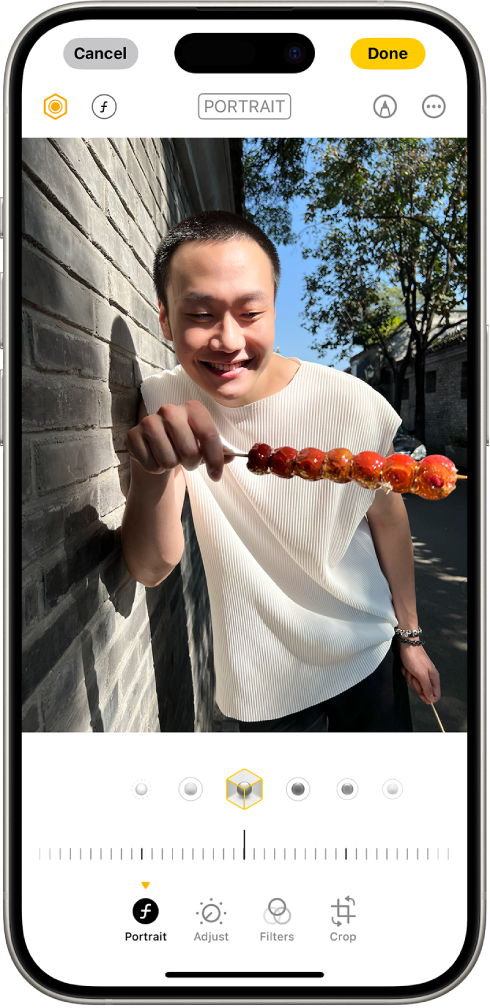
Daily iPhone tip #3: Turn on and off Portrait mode after the fact
If you have an iPhone 15 or later, photos with a person, dog, or cat taken in Photo mode can become portraits in the Photos app after the fact. The phone is powerful enough to almost always gather depth information alongside the regular photo, so you can go in and turn the portrait effect on and off. * Go to the photos app * Open any photo taken with iPhone 15 or later, open it in full screen, then if the top right icon shows an "f", you can tap there to turn it on and off: For more, check o
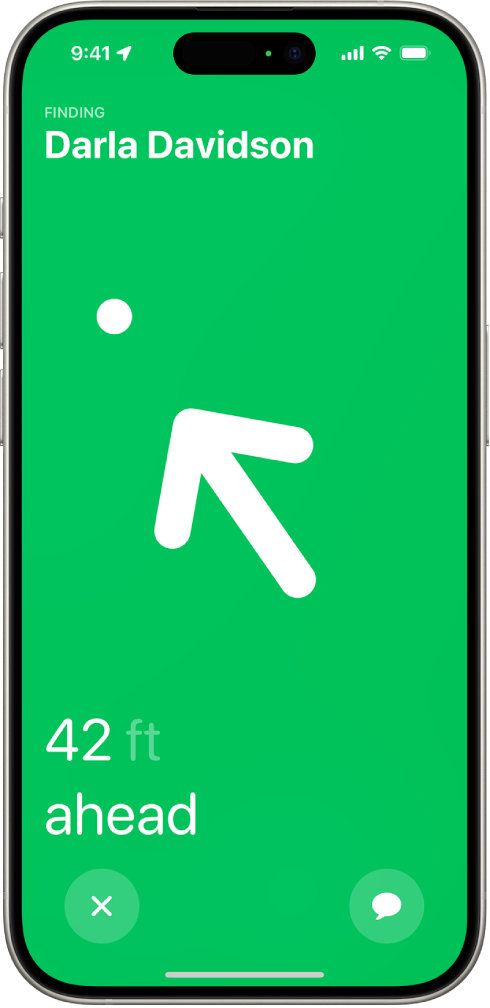
Daily iPhone tip #2: Precision finding
If you own a recent iPhone, you might have missed that you have the latest-generation ultra wideband chip in it. That chip means that you can you use Precision Finding in the Find My-app with other devices with the same chip. So you can for example find a specific person down to the centimeter in a huge crowd of people. And if you also own a newer Apple Watch or AirPods, you can use it to find your phone or AirPods with a lot greater precision. Below video and article explain better how this ac
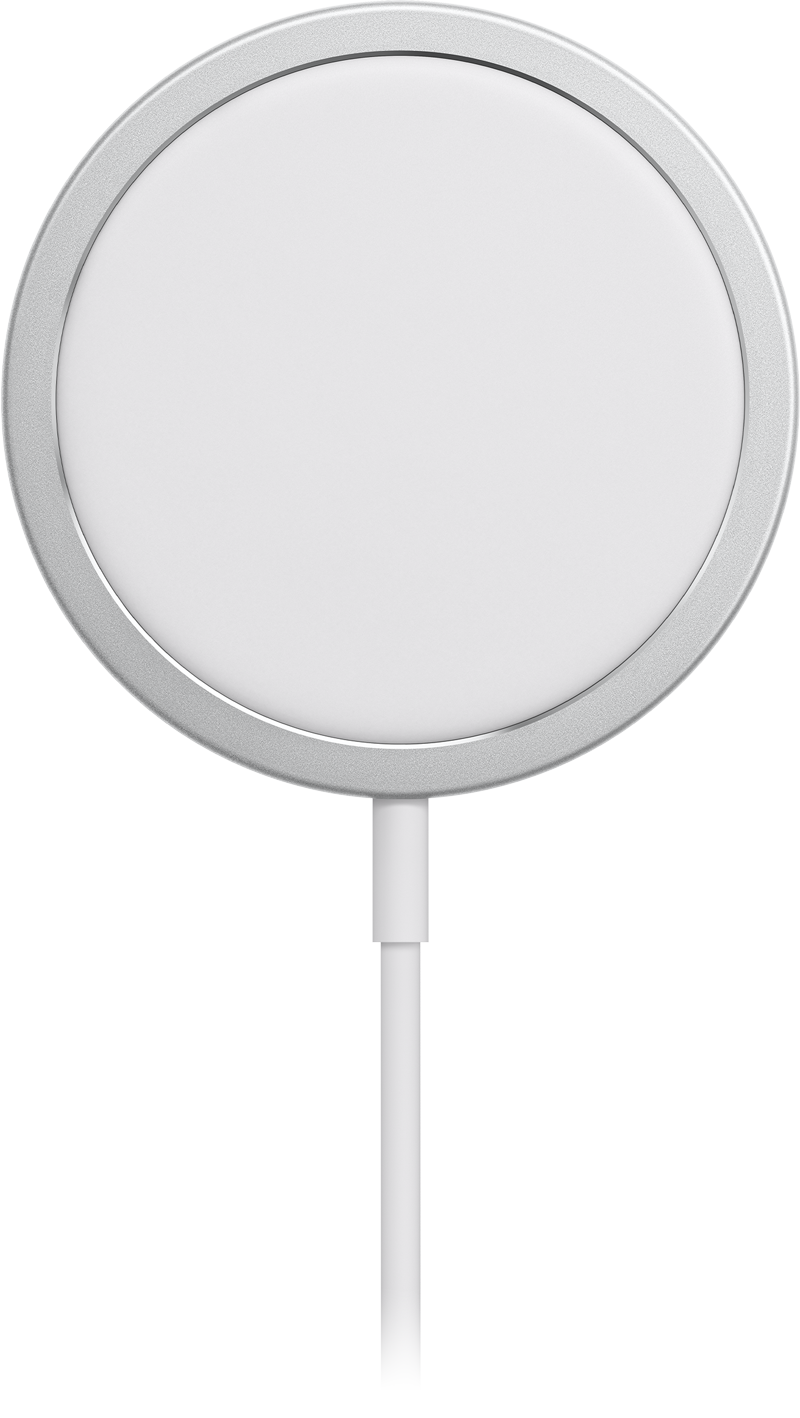
Daily iPhone tip #1 - Charge fast
Modern iPhones these days can charge really fast, but only when paired with correct accessories. The iPhone 16 models in particular got extra fast in this regard. For maximum charging speed while charging with a cable, use a charger (the thing you plug into the wall) of at least 45w. Only use reputable brands like Belkin, Mophie, Anker or Apple’s own chargers - as long as least 45w. Combine this with a USB C to UCB C cable (an USB A to USB C won’t cut it). The one that comes in the box with the
